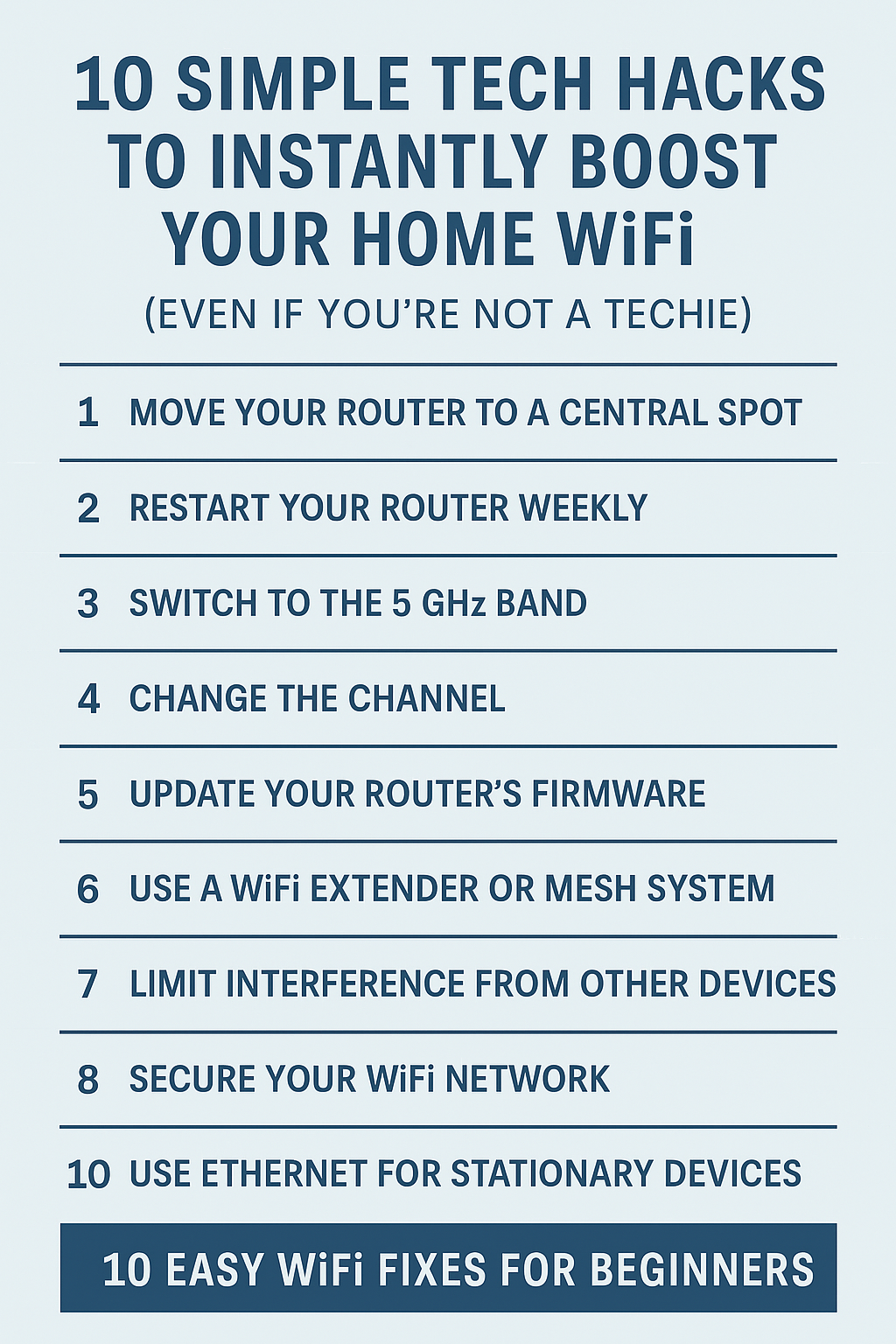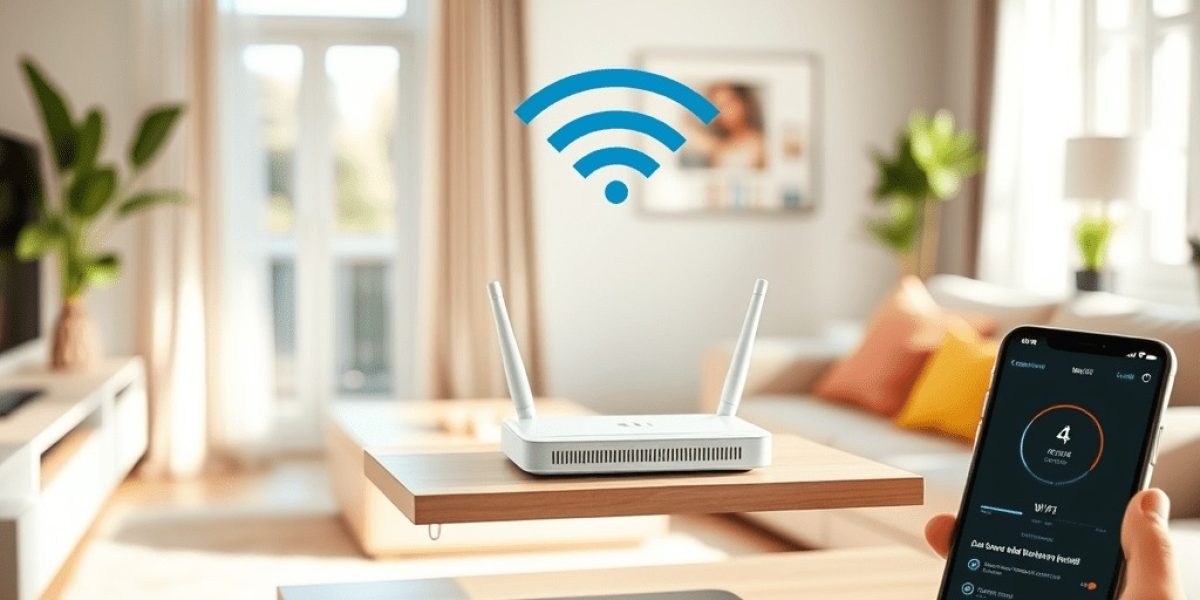
1. Move Your Router to a Central Spot
WiFi signals don’t like walls, floors, or metal. Put your router in the middle of your home, off the floor, and away from large appliances.
Pro Tip: Avoid putting it in a cabinet or near the microwave. Elevation helps too!
2. Restart Your Router Weekly
Like your computer, your router needs a break. A quick restart can clear up memory issues and improve speed.
Easy fix: Unplug for 30 seconds, plug back in. That’s it.
3. Switch to the 5 GHz Band
Most modern routers offer 2.4 GHz and 5 GHz. The 5 GHz band is faster and less crowded.
How: Check your router settings or use a smartphone to find the 5 GHz option and connect to it.
4. Change the Channel
Just like walkie-talkies, WiFi runs on channels. If yours is overloaded, your speed drops.
Tip: Use a WiFi analyzer app to find a less crowded channel and switch to it via your router’s settings.
5. Update Your Router’s Firmware
Manufacturers regularly fix bugs and boost performance.
How: Log into your router dashboard (usually via a browser) and look for “Firmware Update.”
6. Use a WiFi Extender or Mesh System
If your house has dead zones, a range extender or mesh WiFi system can eliminate them.
- TP-Link AC1200 WiFi Extender – Compact and powerful dual-band extender perfect for apartments or small homes.
- eero 6+ Mesh System – Great value mesh network that supports up to 1 Gbps and covers large areas.
- Netgear Orbi RBK752 – Best for large homes and multiple devices with ultra-stable tri-band support.
7. Limit Interference from Other Devices
Devices like baby monitors, cordless phones, and Bluetooth speakers can mess with your signal.
Try to keep your router away from these and turn them off if not in use.
8. Secure Your WiFi Network
Neighbors or freeloaders using your connection? It slows you down.
Fix: Set a strong password (WPA3 if available) and don’t share it too freely.
9. Use Ethernet for Stationary Devices
Smart TVs, gaming consoles, and PCs don’t need to be wireless.
A simple ethernet cable can free up WiFi bandwidth and offer faster speeds.
10. Run a Speed Test and Adjust
Use sites like speedtest.net to measure performance. Move your router, change settings, and test again.
Make one change at a time so you know what works!
Bonus: WiFi Optimization Checklist
- [ ] Router is placed high and central
- [ ] Restarted this week
- [ ] Using 5 GHz
- [ ] Updated firmware
- [ ] No nearby interference
- [ ] Extender used if needed
- [ ] Network is password protected
- [ ] Stationary devices on Ethernet
FAQs
Q: What’s the difference between 2.4 GHz and 5 GHz?
A: 2.4 GHz covers more distance, but 5 GHz is faster. Use 5 GHz if you’re close to the router.
Q: How do I know if I need a mesh system?
A: If you have more than 2,000 sq ft and dead zones, mesh is your best bet.
Q: What is the best budget WiFi extender?
A: We recommend the
TP-Link RE220
– it’s affordable, reliable, and easy to set up for most home users.
Pin It & Share It!
Make your WiFi faster in 10 minutes – no tech skills needed. Share this post or save it to your DIY or Home Hacks board!